
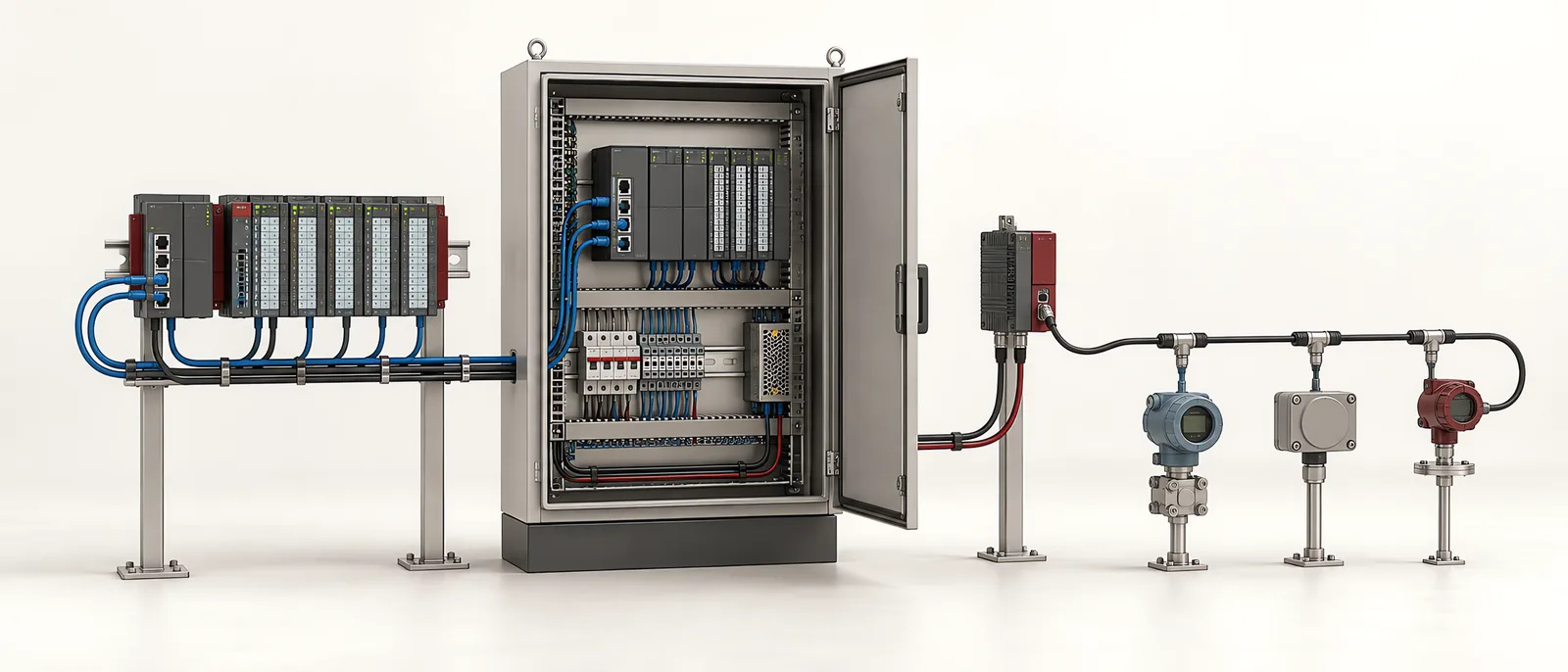
Conceptual equipment illustration.
PROFINET vs Modbus is not a single like-for-like comparison until the Modbus transport and machine task are named. Modbus RTU commonly uses a serial link; Modbus TCP uses TCP/IP networking. PROFINET provides an industrial device model and real-time I/O exchange, with additional functions depending on the implementation.
A meter reading updated for a dashboard and a time-critical actuator command are different requirements. Choose the communication method around the data’s job, update needs and equipment support.
Distinguish the Layers
The Modbus Organization’s specifications page separates the application protocol from serial-line and TCP/IP implementation guides. A device register map then defines what its particular values mean.
PI’s PROFINET description distinguishes cyclic I/O, acyclic information and different real-time capabilities. PROFINET real-time traffic should not be described as ordinary Modbus-style TCP polling.
| Question | Modbus RTU | Modbus TCP | PROFINET |
|---|---|---|---|
| Connection to identify | Serial physical interface and line settings | TCP/IP endpoint and device support | Controller/device roles and supported mode |
| Data definition | Device function and register map | Device function and register map | Device description, modules and channel data |
| Timing to establish | Poll schedule, response time and retries | Poll schedule, network and response behaviour | Configured update behaviour and device capability |
| Common retrofit task | Reading existing serial instruments | Exchanging data with supported network devices | Integrating distributed I/O or supported drives |
Confirm timing on the proposed devices with the intended traffic and controller workload.
A Register Value Needs a Definition
For each Modbus value, record the address convention, data type, scale, units and interpretation of multi-register values. Check the manufacturer’s mapping against a known physical or simulated condition. A number arriving successfully can still represent the wrong register or scale.
For PROFINET, retain the selected device description and configured module layout. Confirm how valid data and diagnostic information appear in the PLC programme.
The PLC programming specification should include both the communication setup and the application meaning. Do not leave the latter to the dashboard developer to guess.
Gateways Do Not Remove Every Difference
A gateway can make values available between systems, but the project must define how it translates them. Check update rates, timeout handling and whether diagnostic detail remains available at the receiving side.
If the serial instrument stops responding, the gateway should not leave a last good value looking current indefinitely. Test the resulting quality flag, timestamp or timeout indication at the final display.
This is a common boundary in legacy-machine connectivity. A successful connection is the beginning of data integration, not the completion of it.
Separate Monitoring From Control
An HMI or SCADA system may need trends and alarms without writing process commands. Define read and write permissions separately, and identify the machine controller responsible for operational decisions.
For any command path, verify the receiving state, acknowledgement and failure response. The appropriate access controls and network separation remain part of the system design, regardless of the protocol name.
Test One Value All the Way Through
Select a known signal and follow it from the device to the PLC and final screen. Change it, disconnect it and restore it. Check engineering units, timing, stale-data behaviour and recovery without silently losing history.
Then repeat for the different data types and critical commands in the project. This focused test catches mapping errors that a general network-connected indicator cannot show.
For machine retrofit and modernization, Motionwell can review the interfaces around the equipment already installed. Contact us about your machine-data requirement.