
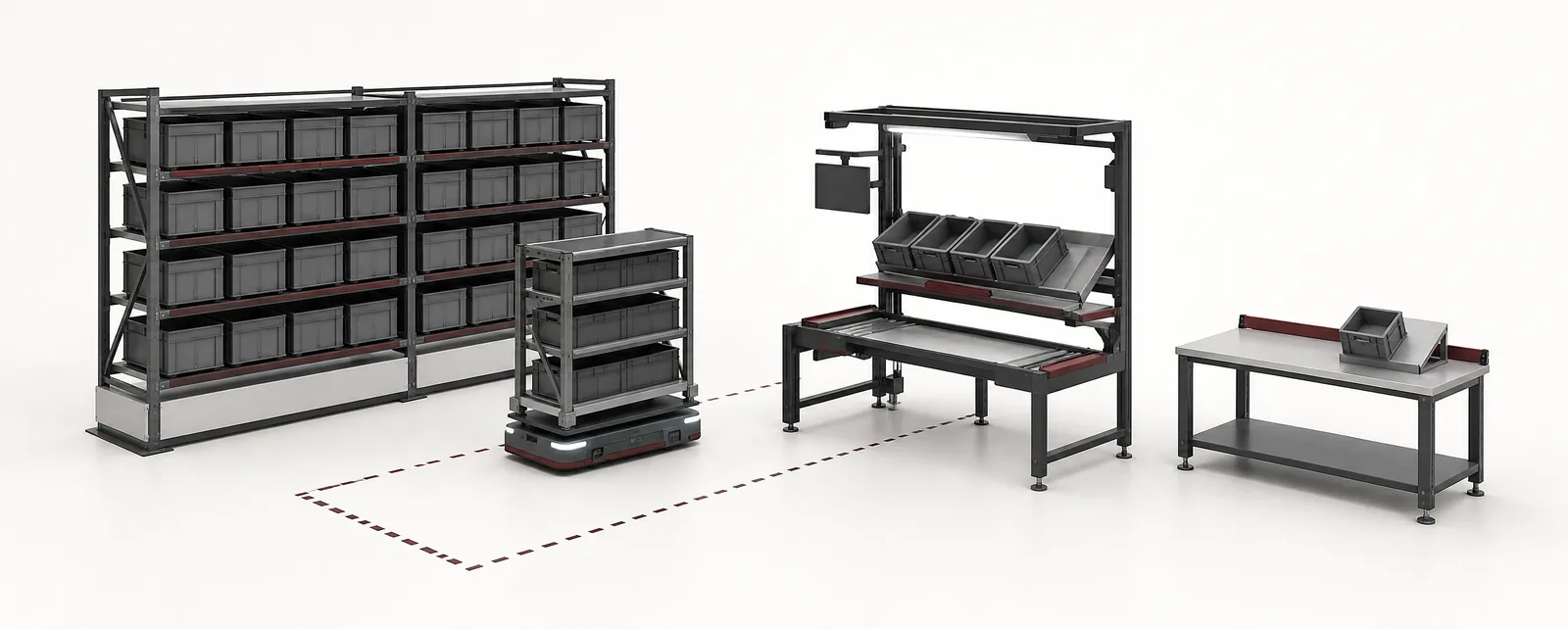
Conceptual equipment illustration.
Goods to person picking brings stored items to a work position so that an operator can select and confirm the required quantity without travelling to each storage location. The system combines storage, transport, a workstation and software that coordinates orders and inventory.
The design should begin with order data and product characteristics. Robot speed or storage density alone does not determine how many correct order lines the operation completes.
Choose the Flow Before the Mechanism
Several equipment routes can support goods-to-person operation. A shuttle or other storage system may retrieve totes to a station; mobile robots may bring racks or load carriers. The right comparison uses the same SKU range, order profile and replenishment assumptions for each proposal.
Swisslog’s CarryPick system description provides one example built around mobile racks, robots, workstations and coordinating software. Its mobile-rack architecture is one alternative to tote retrieval from fixed storage.
For the storage subsystem, see automated storage and retrieval systems. For mobile transport interfaces, use the AMR and AGV integration overview. Goods-to-person describes the picking flow, so it does not require every installation to use the same storage or vehicle technology.
Keep Order Lines, Units and Container Moves Separate
One tote presentation may serve several order lines, or it may produce no completed line if the required stock is absent. A count of transported totes is therefore not the same as picking throughput.
Specify the units used in every performance claim:
| Measure | What it counts | What it leaves out |
|---|---|---|
| Storage retrievals | Containers or carriers leaving storage | How many useful picks each presentation supports |
| Station presentations | Source containers arriving at the work position | Quantity picked and order completion |
| Order lines completed | Confirmed SKU-and-quantity requirements | Units within each line and downstream packing work |
| Units picked | Individual items | Whether all lines for an order are finished |
| Completed orders | Orders with their required lines fulfilled | Dispatch readiness unless packing is included |
An illustrative station completing 120 presentations per hour with an average of two order lines completed per presentation would produce 240 order lines per hour under those assumptions. Order mix, stock availability and confirmation work determine whether those assumptions hold in production.
Match the Workstation to the Order Profile
A station serving one destination at a time has a different layout from one serving several open orders. Swisslog’s workstation design discussion describes these arrangements and how order grouping can increase useful picks from a source container.
Compare the number of source positions, destination positions and required confirmations. Include the largest item, fragile packaging and any product that needs a special handling step. The station should make it clear which item and quantity go to which destination.
Evaluate the whole task during trials: presentation, identification, picking, confirmation and destination change. Timing only the hand movement omits much of the work the station must support.
Replenishment Competes for Resources
Stock has to enter the system before it can be picked. Include receiving checks, container preparation, put-away and replenishment movements in the capacity model. Where picking and replenishment share workstations or transport resources, define how their priorities change during peak demand.
Ask what happens when a requested location is empty, a carrier is unavailable or inventory does not match the expected quantity. The system needs an exception route that preserves inventory accuracy without stopping every other order.
The warehouse automation types guide helps place these functions alongside storage, transport and packing equipment.
Compare Designs With the Same Operating Scenario
Give each proposal the same representative order history and agreed peak window. Record assumptions about stock distribution, replenishment activity, available workstations and downstream packing capacity. Compare normal operation and recovery from a restricted station or transport route.
Carry those assumptions into the warehouse automation ROI worksheet. A capacity figure based on a favourable demonstration mix should not silently become the financial model’s everyday operating rate.
Planning a goods-to-person operation? Tell us about the items and order flow. We can discuss the storage, transport and workstation interfaces involved.